Installation
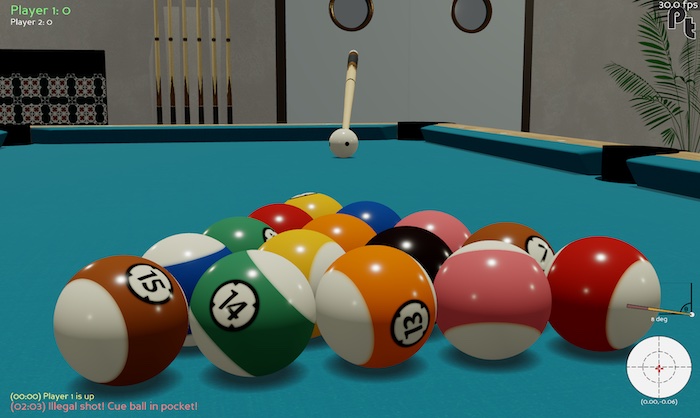
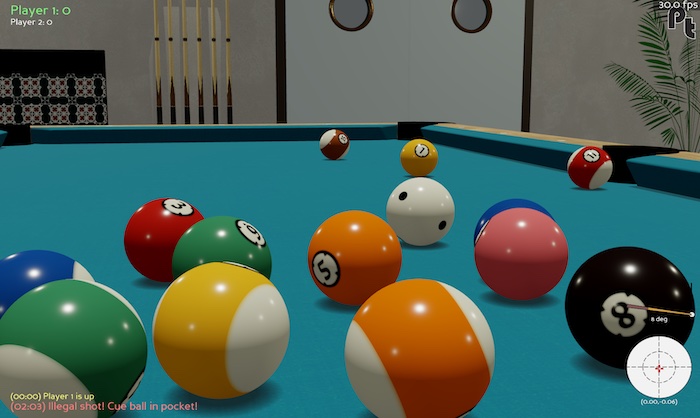
You’re just a few seconds away from exploring the interactive interface.
Requirements
Pooltool is compatible with Python >=3.9,<3.13.
Install option (1): pip
GUI |
API |
Develop |
|---|---|---|
✅ |
✅ |
❌ |
Install option (2): developer
GUI |
API |
Develop |
|---|---|---|
✅ |
✅ |
✅ |
[Click to expand/collapse]
If you want to develop for pooltool, have access to the most up-to-date version of the codebase, or modify the code to your liking, this is for you.
A small note. If you don’t have the ability to create isolated python environments, I would recommend installing conda (here) so you can isolate pooltool from your other business.
(i) Grab a copy of the codebase.
cd <A_DIRECTORY_YOU_LIKE>
git clone https://github.com/ekiefl/pooltool.git
cd pooltool
(ii) Create a new python environment that uses Python 3.12.4.
If you have conda, just run this:
conda env create -f environment.yml
conda activate pooltool-dev
Regardless of how you managed your python environment, please verify you’re running 3.12.4
$ python
Python 3.8.10 (default, May 19 2021, 11:01:55)
[Clang 10.0.0 ] :: Anaconda, Inc. on darwin
Type "help", "copyright", "credits" or "license" for more information.
>>> exit()
(iii) Install poetry, a popular python package/environment manager.
If you created your environment with conda, you’ve already installed poetry.
Otherwise, install with
pip install "poetry>=1.8.3"
Verify your installation:
$ poetry --version
Poetry (version 1.8.3)
(iv) Install pooltool.
poetry install
pip install -e .
(v) install the pre-commit hooks:
This will automatically format your code according to the pooltool standard whenever you commit.
pre-commit install
(vi) test out your installation:
run-pooltool
The game window should appear (escape key to exit).
Next
Test your installation by printing the version:
$ python -c "import pooltool; print(pooltool.__version__)"
0.4.0
(If you installed via the developer instructions, the output should be 0.0.0)
Next, it’s time to learn about the interface.